

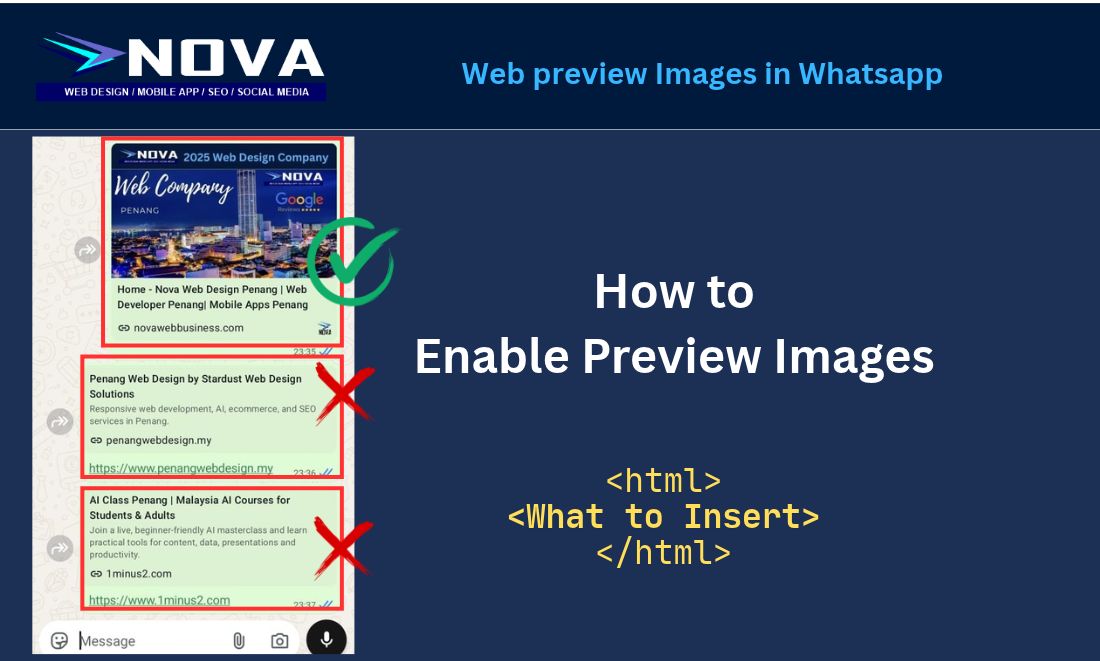
How do you create a website link preview in WhatsApp? Here is a simple solution. Place the following code inside your webpage’s <head></head> section, and replace the example URLs with your actual webpage and image URLs.
- Use a publicly accessible JPG or PNG, ideally 1200 × 630 pixels.
- Replace the example image URL with your actual image.
- Ensure the tags appear in the original HTML. Tags added only through browser JavaScript may not be picked up.
- Check that hosting security allows crawlers to access both the page and image.
Code in HTML
<meta property="og:type" content="website">

<meta property="og:title" content="My Website">

<meta property="og:description"

content="Discover My Website......">

<meta property="og:url" content="https://www.mywebsite.com/">

<meta property="og:image"

content="https://www.mycompany/images/webimage.jpg">